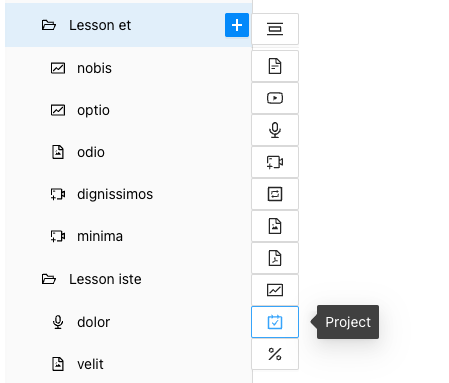
If you want the lesson to cover the topic of Project Type, simply select it from the list of available types.
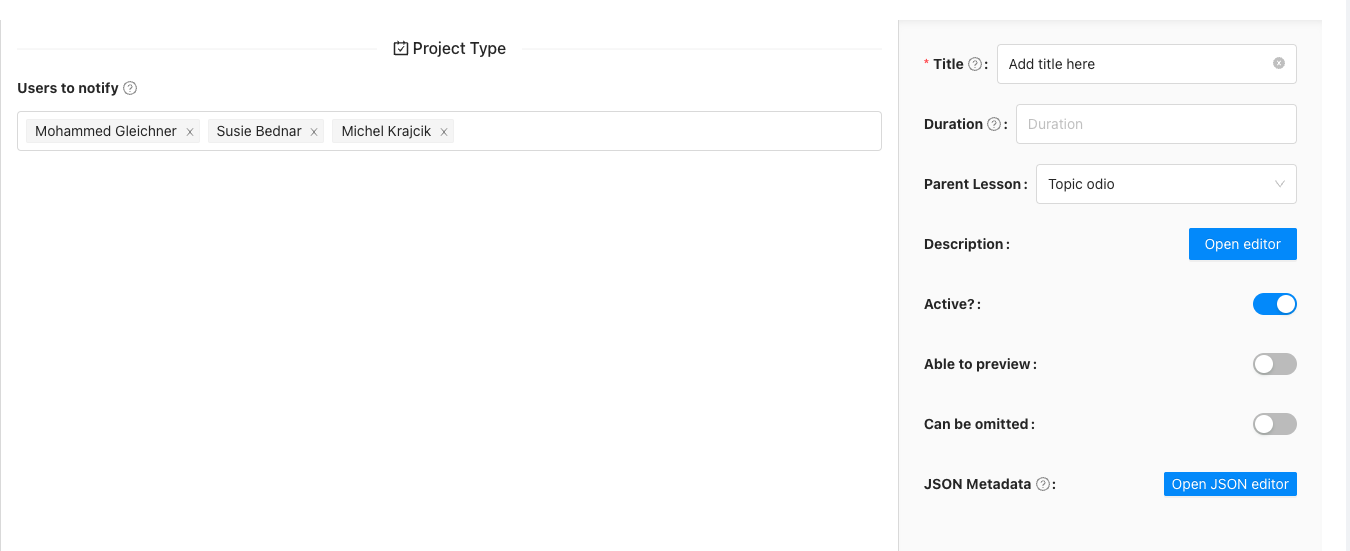
You can choose the users to whom a notification will be sent when someone adds a new solution.
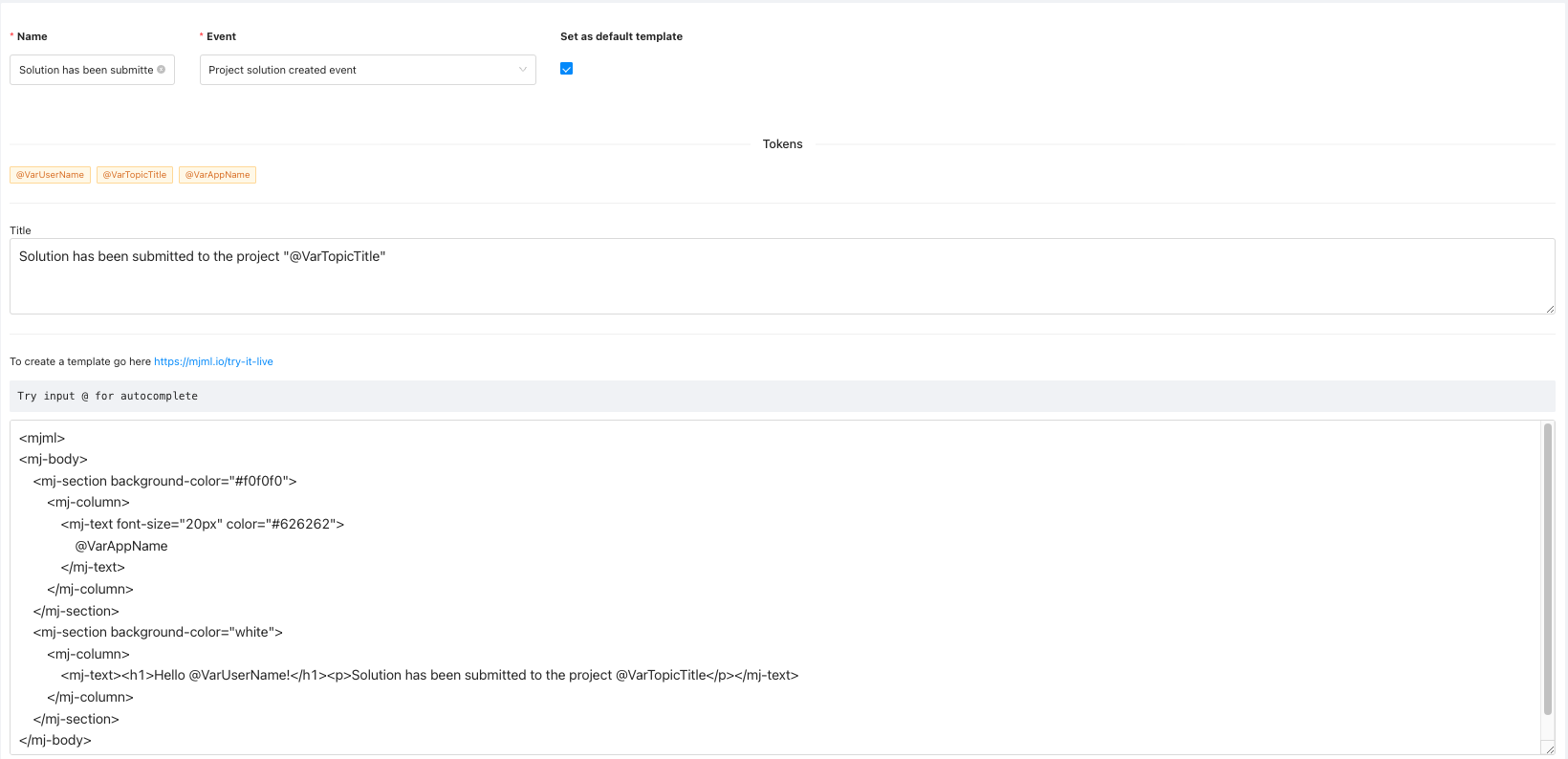
Remember to define the email template.
In the course details, you will find the "User projects" tab. This module is used to view files uploaded by users in a previously assigned topic of the Project Type. Here, it displays a list of users, information about the date of file upload, and the uploaded file itself, with options to download or delete it by the tutor.

The end user's view in the course looks like this:
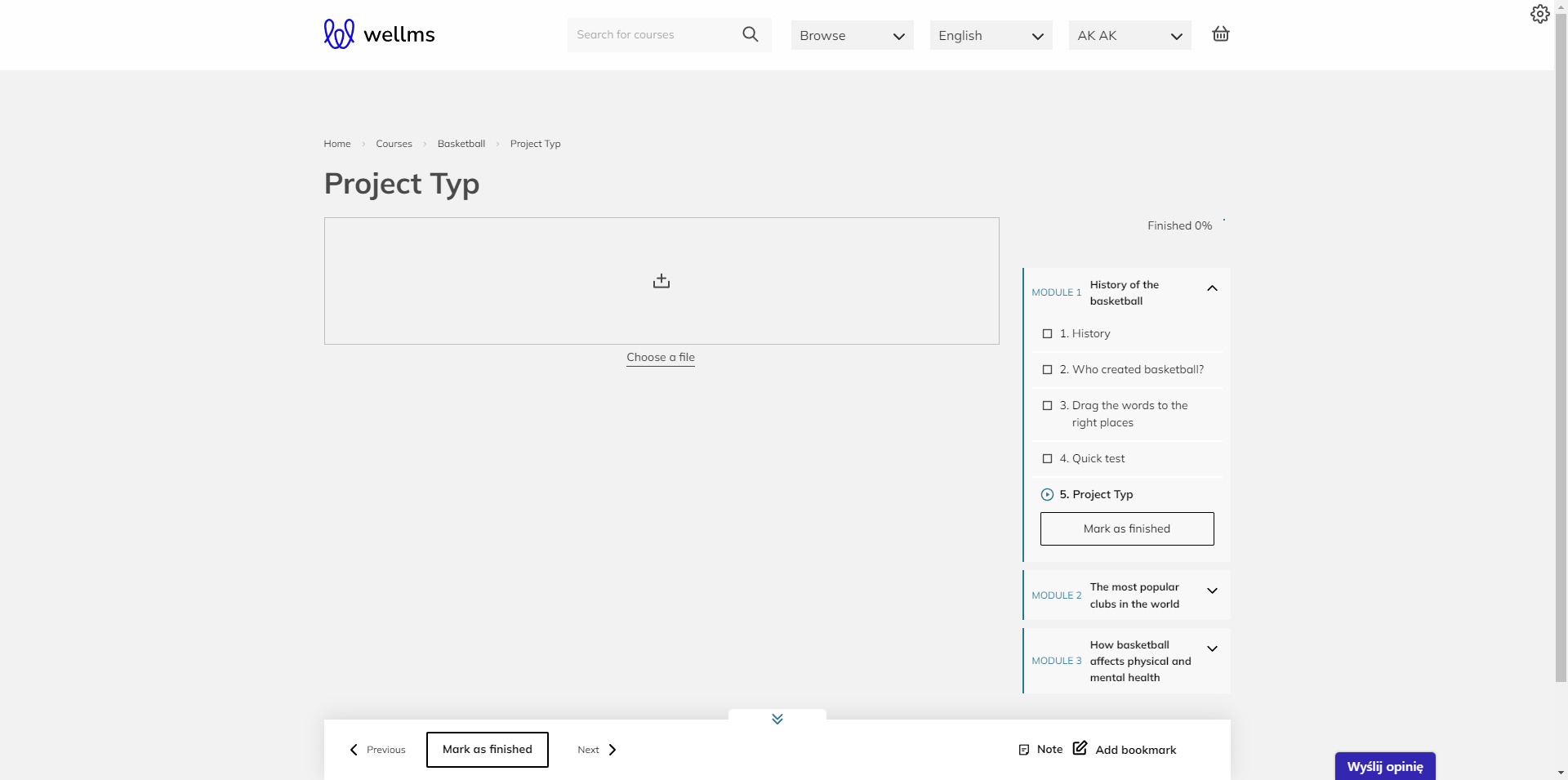
The end user has two options for adding a project file:
1.You can drag any file to the designated area for placement. 2.You can click 'Choose a file' to select a file from your computer.
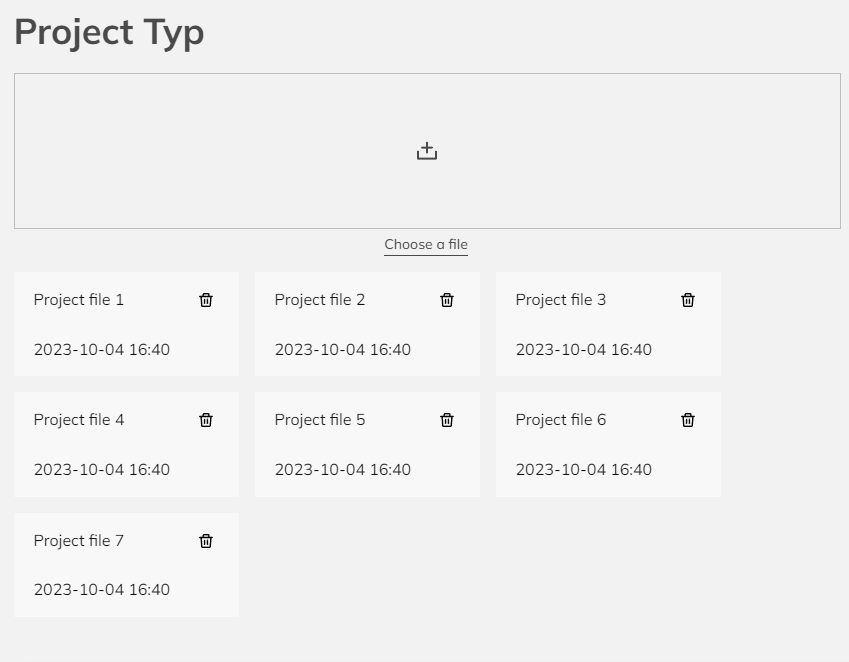
After adding files, their quantity is displayed below the upload field. Of course, you can remove a file and replace it with a new one. Afterward, you can proceed to the next topic in the course.