Repository navigation
Bulk actions: add to/remove from segments, update fields, apply to all records matching filters, revisinting pagination #446

Description

Hello,
First of all really appreciate your work on this open source mailing list software!
The functionality missing for me are the following:
- select an arbitrary number of contacts manually OR apply certain filter options to all contacts; then:
- add all selected contacts to a user segment (and conversely, remove from a segment)
- add all selected contacts to a new list (UI convenience, when the list is just for the selected contacts, and it would be inconvenient to have to open a new tab to create a list before the already-selected contacts can be added)
- update certain contact fields for all selected contacts
- since those actions need to apply to all contacts that match the filters, it would be helpful to be able to know how many contacts match the filters, and be able to page through the full set, and not just show a small subset & click "load more"
Design reference:
- https://openshift.github.io/openshift-origin-design/designs/administrator/future-openshift/bulk-actions/
- https://medium.com/@tongwendesigner/bulk-actions-design-d6f7a82b57c4

I have read the following related issues:
- Bulk contact management (import remove list, pagination, multi-select) #15
- Feature: add contacts to new list in bulk #293
- Add bulk actions for contacts (delete, add to list, remove from list) #299
I believe my use cases are sufficiently distinct & legitimate to worth giving these consideration.
Scenario 1:
When sending emails through an SMTP provider without a webhook integration, the bounced emails are received separately. So there must be a way to move a subset of contacts in & out of lists as well as segments, to handle them separately. This is not directly about subscription status, but a receiving email provider can have different requirements compared to others, and there could be a technical issue that requires a subset of contacts to be handled differently, perhaps by reducing mail volume or temporarily suspending delivery to those contacts.
Scenario 2:
Tailoring different email templates and or broadcast inclusion based on off-platform data (event attendance, purchase history, etc), so that contacts receive emails that are most relevant to them, at a frequency that is most suitable for them. This would require bulk updating contact fields and/or user segments based on manual selections or filter options. It would also require the ability to select & update all contacts matching filter values, and not just a partially loaded subset.
Would this facilitate unwanted emails or spam?
I don't believe so, because email providers are very aggressive with spam filtering, and sending unwanted mail would hurt the sender's reputation, which would cause more emails to be marked as spam. There is enough incentive in the ecosystem to discourage spam, and it is in the admin's best interest to make sure only users that want the emails receive them.
What about the automations feature?
I tried approximating the same functionalities using the automations feature, but it doesn't quite work, because automations are more pipeline-oriented, i.e. you set up a set of rules, and as users join the mailing list/trigger certain conditions, actions are performed accordingly. The scenarios I described above are real-time, one-shot actions that are not pipeline oriented.
Would pagination be impractical for a large contacts list of millions of records?
I don't think so. Many accounting/inventory software require the same functionality, and they're able to limit a fixed number of entries per page, calculate the total count, and crate as many pages as needed. Those records don't all need to be fetched & loaded at once, they can still be lazy loaded or not loaded at all, until the page is displayed or until the bulk action reaches it. And when there are 1000s of pages, the paging itself can be abbreviated to just the first/last few pages, plus "..." in the middle, and the ability to type in a page number. I believe there should be UI libraries that implement this already, so it can be added directly.
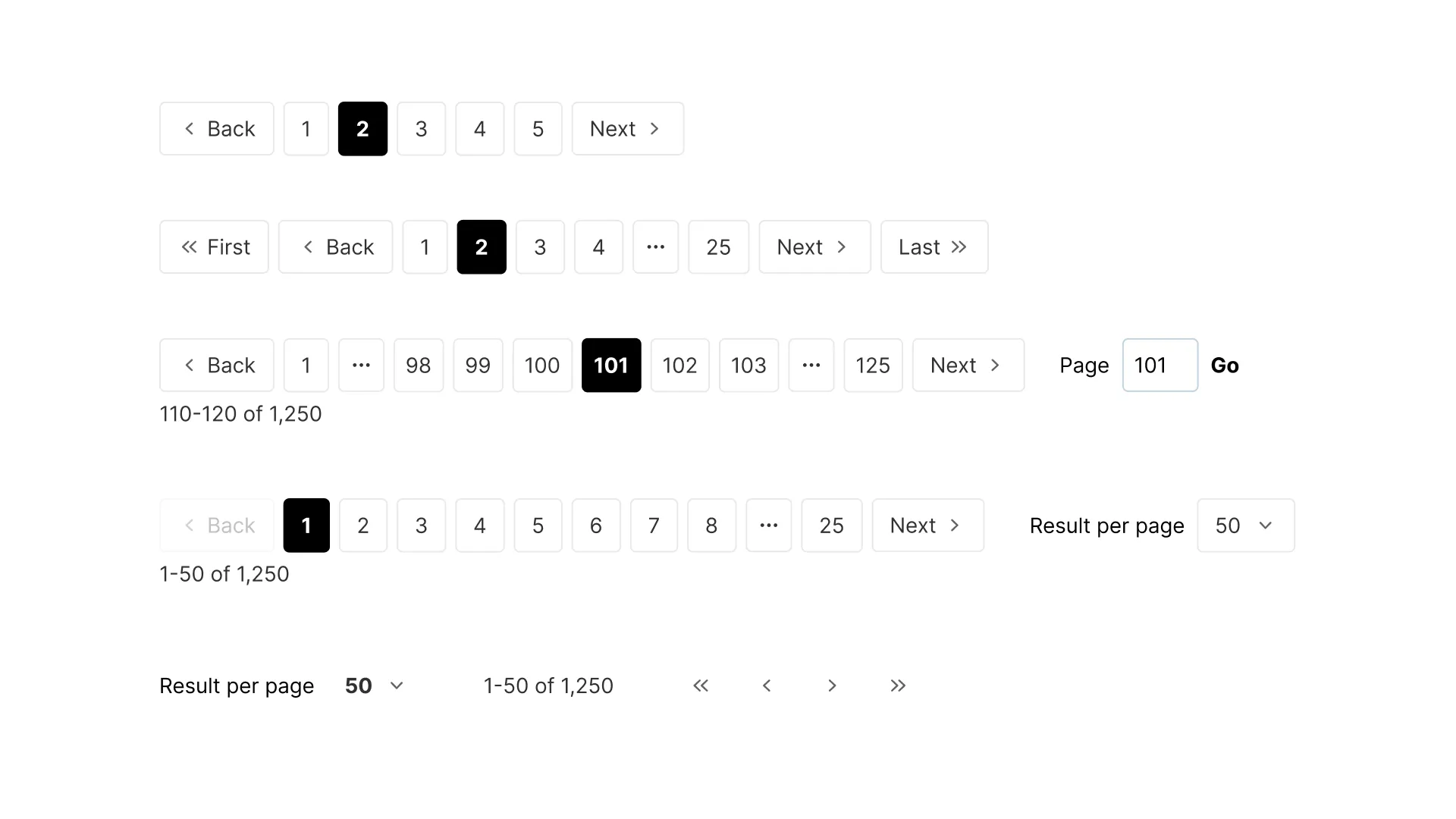
I think "load more" is more suitable for casual browsing where the user expects to read every entry it loads, whereas pagination is better for bulk actions on a large number of records, where it's important to be able to navigate the full set, and know exactly which records and how many are affected.
Activity
pierre-b commentedon Nov 18, 2026
Hi @sammdu thx for the detailed write-up and the design references, the use cases are very clear!
Both scenarios can be handled with what Notifuse already has, so I'm going to close this one. Here is how I would do each part.
Since v29.5 you can select contacts in the contacts table and add them to a list, remove them from a list, unsubscribe them from a list or delete them. For emails you get from outside, like the bounces your SMTP provider reports, the "Bulk update (CSV)" action in the contacts menu takes a CSV of emails and unsubscribes or deletes them.
Segments are computed from conditions, so you can't add a contact to one by hand. To get the same result, tag the contacts with a custom field and build the segment on that field:
custom_string_1 equals "gmail-throttle". You can give the field a readable name in the workspace settings.emailandcustom_string_1, through the contacts CSV import. Existing contacts are updated (no duplicates) and the segment picks them up on its own.none. An empty cell keeps the current value, so it won't clear the tag.To update fields on many contacts, or to act on every contact matching a filter, filter the table and click Export. The export contains every matching contact, not only the rows loaded on screen. Edit the column you need and re-import the file as above. You can also import the same file into a list with that list's import button.
For off-platform data such as event attendance or purchases, use custom events. Your systems send them with
customEvents.importorcustomEvents.upsert, optionally with a goal (purchase, booking…). The segment builder's Goal condition then filters on them: count or sum of events, over a timeframe, by event name or properties. You can also update contact fields from the API withcontacts.import. In both cases segments update without any manual step: https://docs.notifuse.com/features/custom-eventsAbout pagination, as I explained in #15: a workspace can hold millions of contacts that keep changing, so the table uses cursor pagination. Numbered pages would be slow on that volume and would shift as contacts come and go. Filters and Export are how you work on an exact set.
If one of your scenarios still can't be done this way, comment here and I'll take another look.