
Contain the Projects for CM202.
This project is a python version game to generate map using the tile in ./Images folder
Each of the image in the folder and their rotation of 90 degree, 180 degree and 270 degree will be shown in the start page
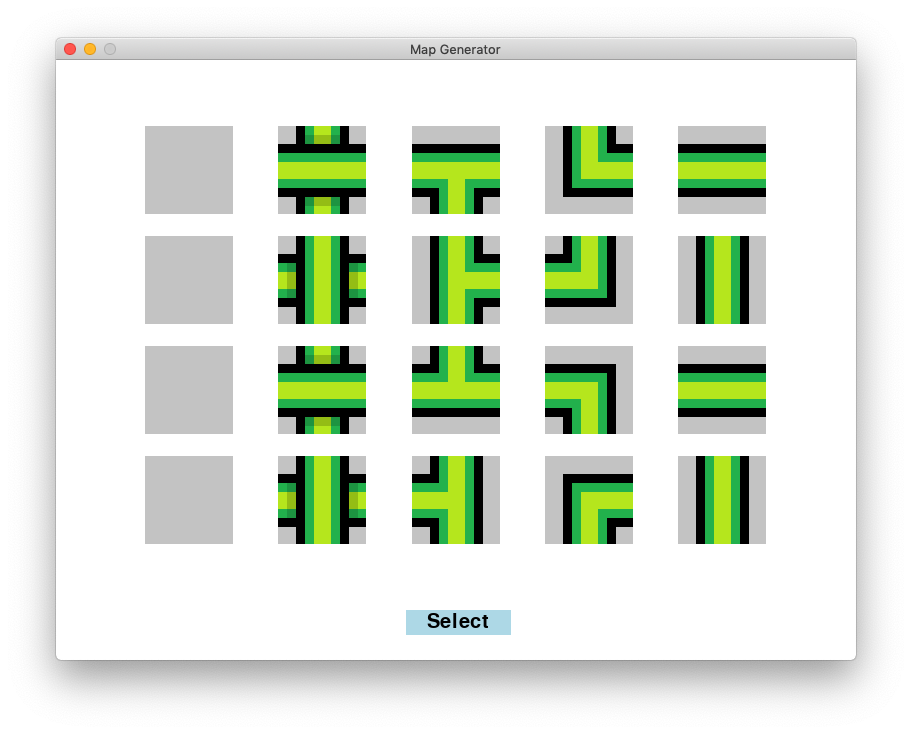
Users can select which images they want
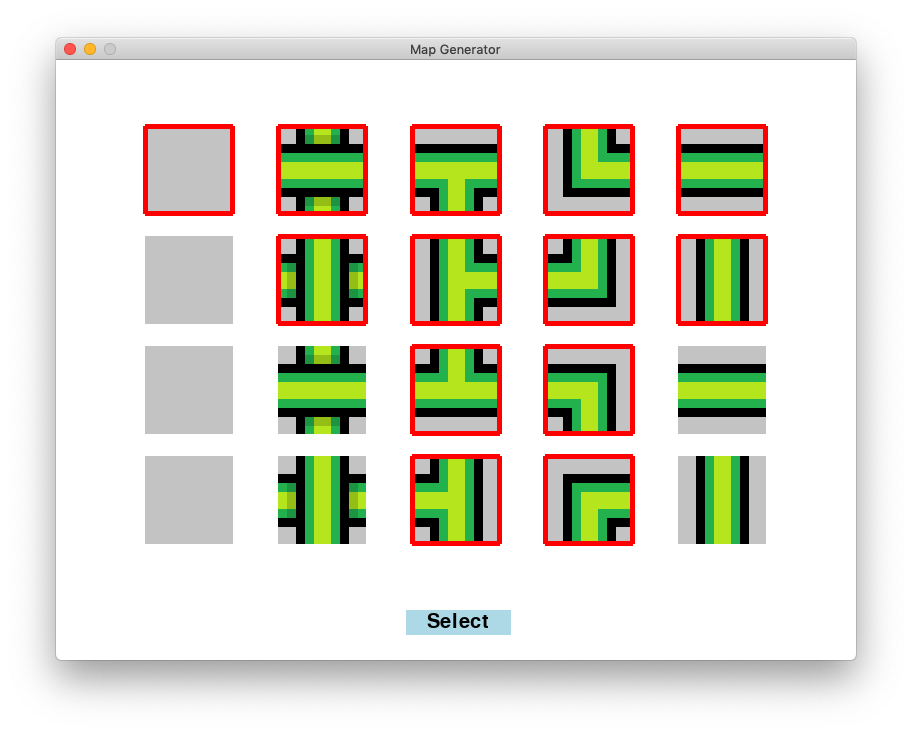
Then users can define their constraints by selecting the available adjacent image on particalar directions.
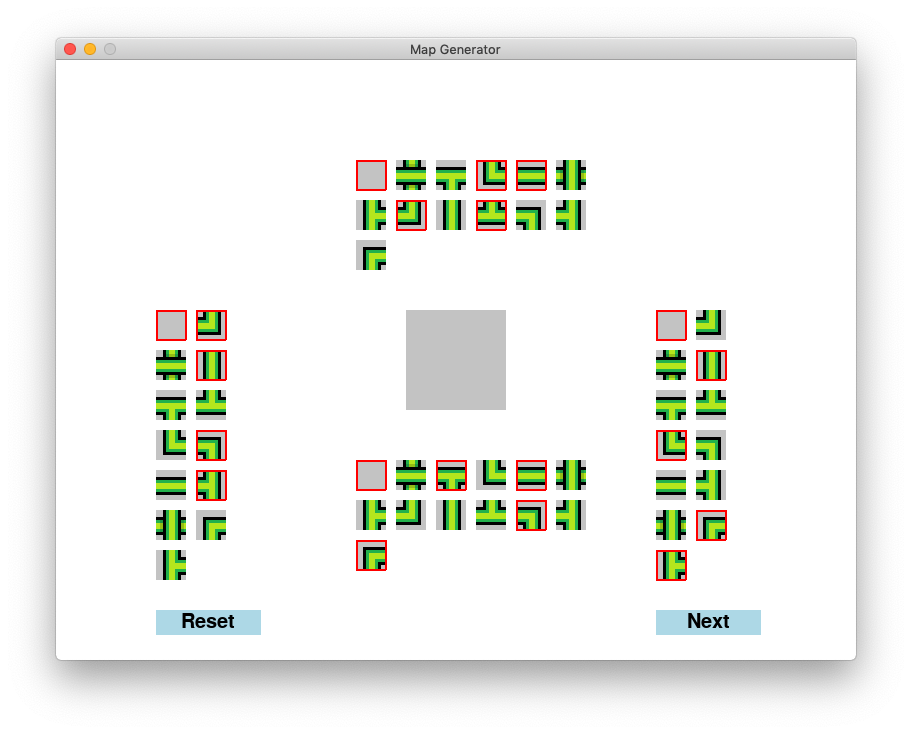
After constructing constraints, the maps are generated using WaveFunctionCollaps algorithm
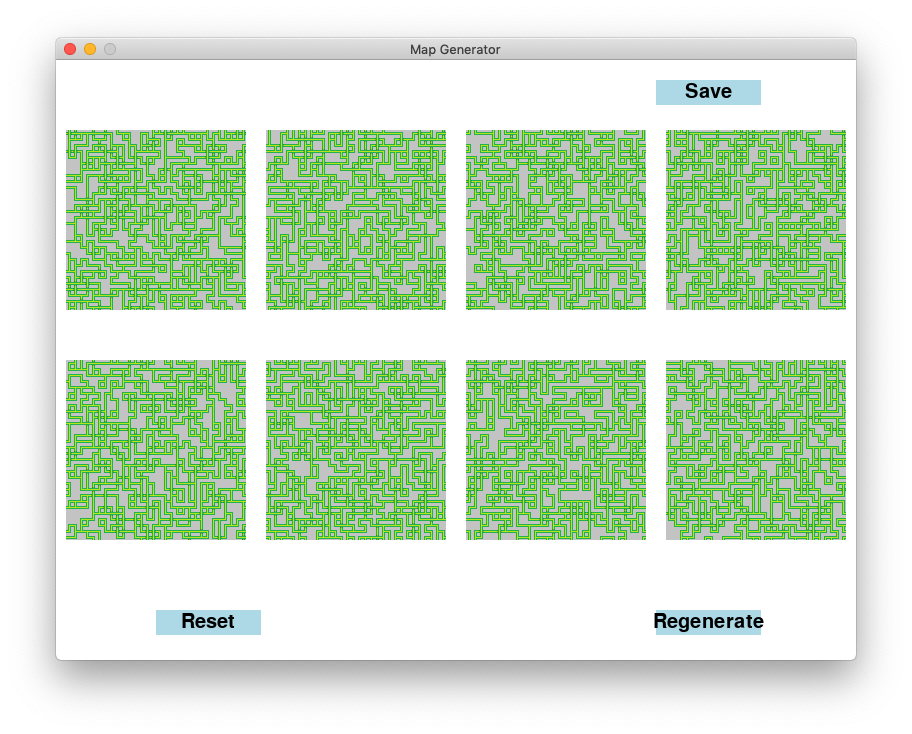
Users can select the maps to save in the ./ResultMaps/ folder or regenerate the maps.
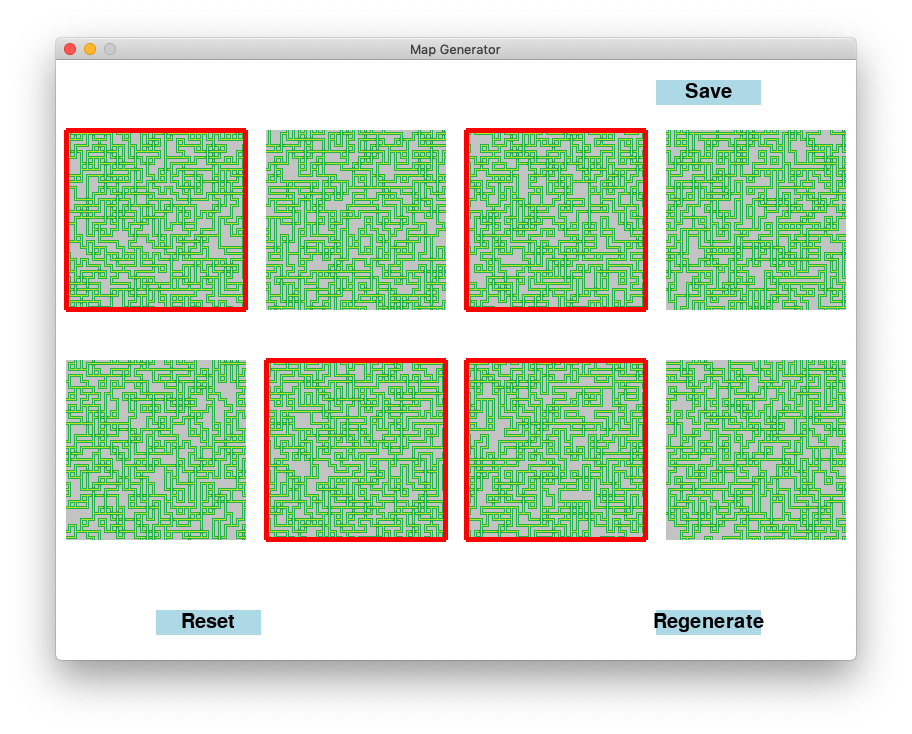
- Use git clone https://github.com/ZhaoqingT/Class202.git
- Use cd Class202 , cd Project1 to go into the Class202/Project1/ directory,
- Use conda env create -f environment.yml to create the environment
- Use source activate CM202 to enter the environment (Or conda activate CM202)
- Use python3 -m pip install -U pygame --user to install pygame
- Use python3 app.py to run the application
- WaveFunctionCollaps does not guarantee to generate a result. The image generated is the last iteration if there is no tile to find next.
- I know constructing constraints might be exhausting but it might be really hard to generate result if you choose A on the bottom of B but forget to choose B on the top of A.
- Will have more features in the future. Like
- ML part to filter the map to generate more prefered map based on previous selections
- Auto selection part so that users can have less works constructing the constraints.
- Improve the algorithm to make it generate valid results more probably.
This is a text generator using https://github.com/minimaxir/textgenrnn. I have trained the model with tweet data so that the model is able to generate tweet-style text. The data used to train the model is from https://dataverse.harvard.edu/dataset.xhtml?id=3047332, which is top 20 most followed user on twitter social platform. And I only used the content column to train the model.
- Use git clone https://github.com/ZhaoqingT/Class202.git
- Use cd Class202 , cd Project2 to go into the Class202/Project1/ directory,
- Use pip install textgenrnn to install textgenrnn
- Use python TweetGen.py to generate tweet-style text
- Use python NormalTextGen.py to generate normal text