You signed in with another tab or window. Reload to refresh your session.You signed out in another tab or window. Reload to refresh your session.You switched accounts on another tab or window. Reload to refresh your session.Dismiss alert
Moonlight Zenith is a modernized fork of Moonlight Android featuring Liquid Glass and Material You interfaces, customizable tinted backgrounds, a floating bottom navigation bar, flexible Client/Host audio routing, multi-language & smart keyboard input, in-stream quick actions, and sensor-driven landscape rotation.
📸 Screenshots
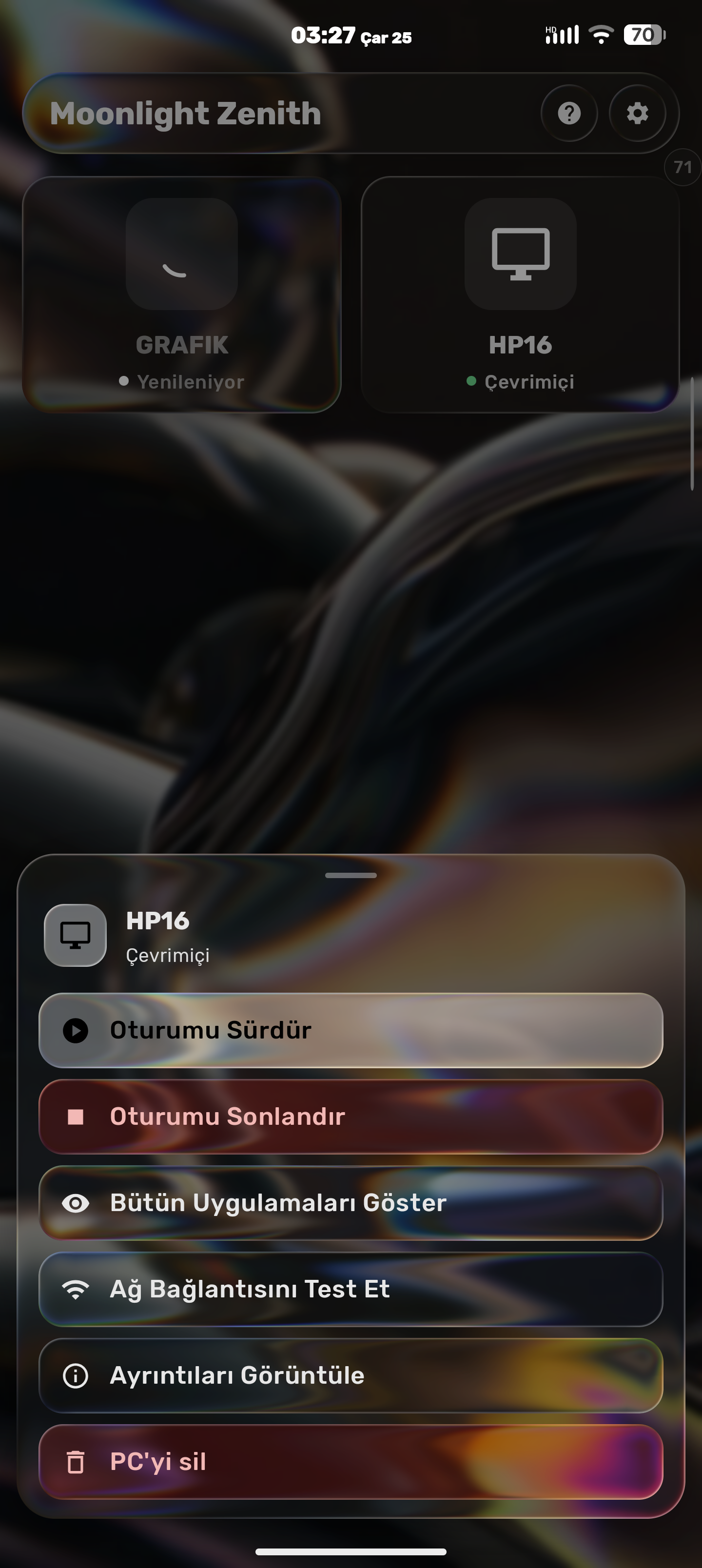
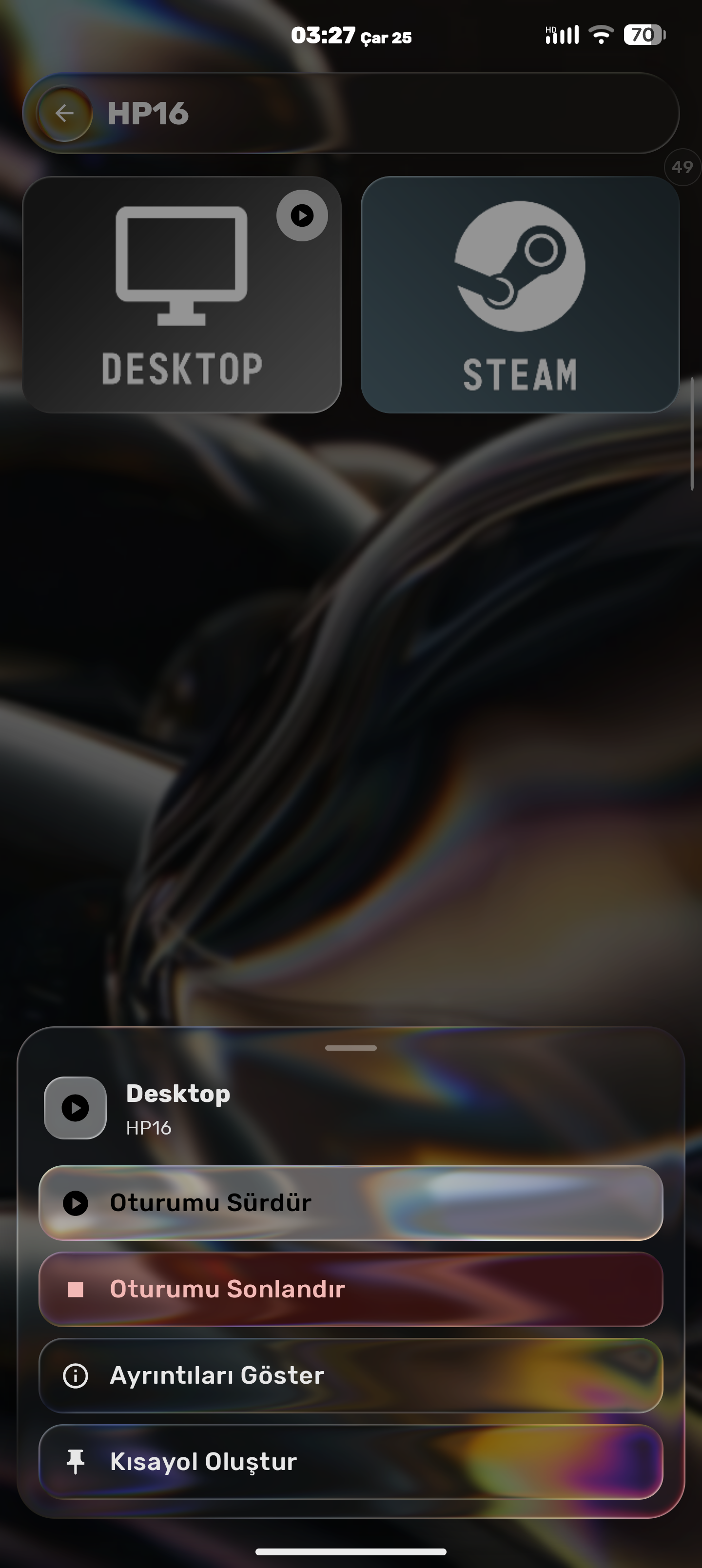
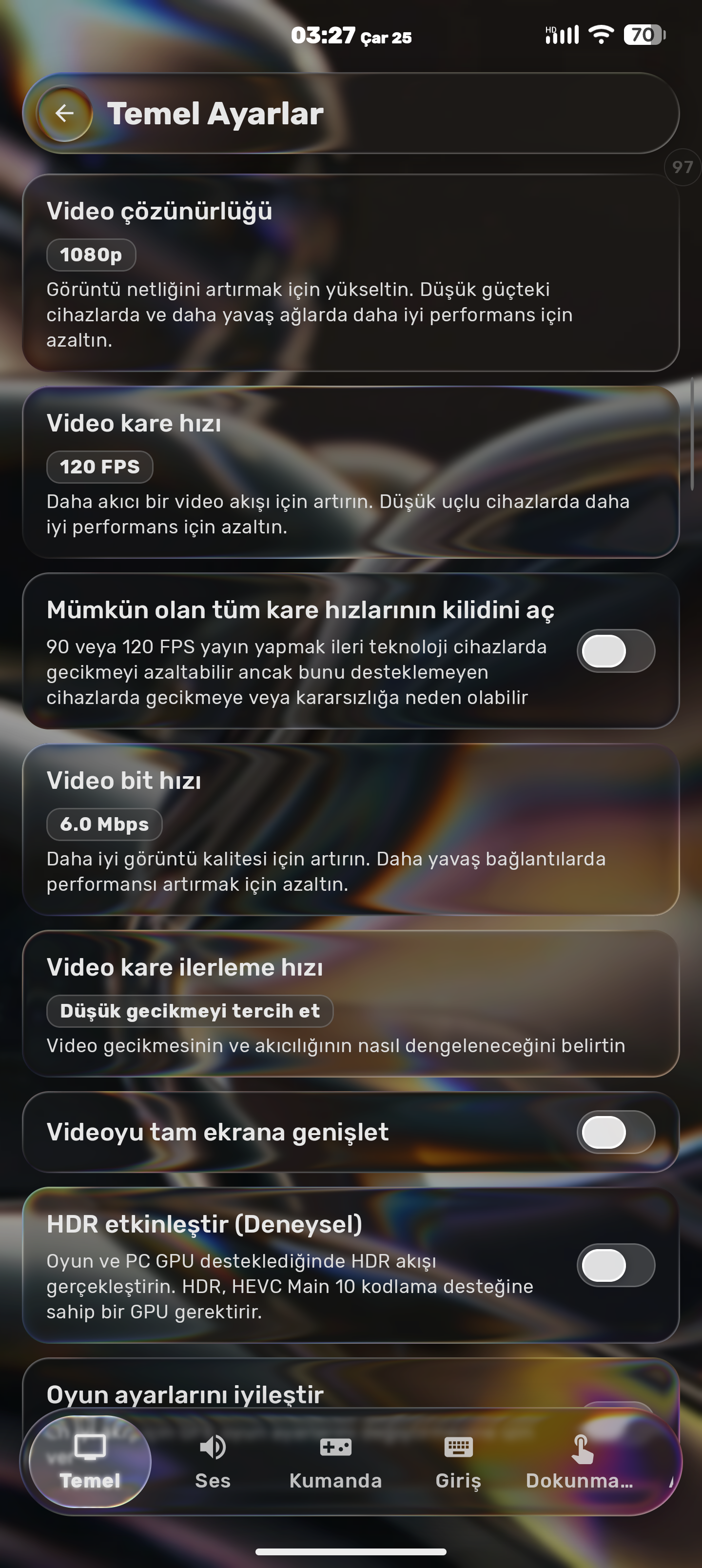
🫧 Liquid Glass UI
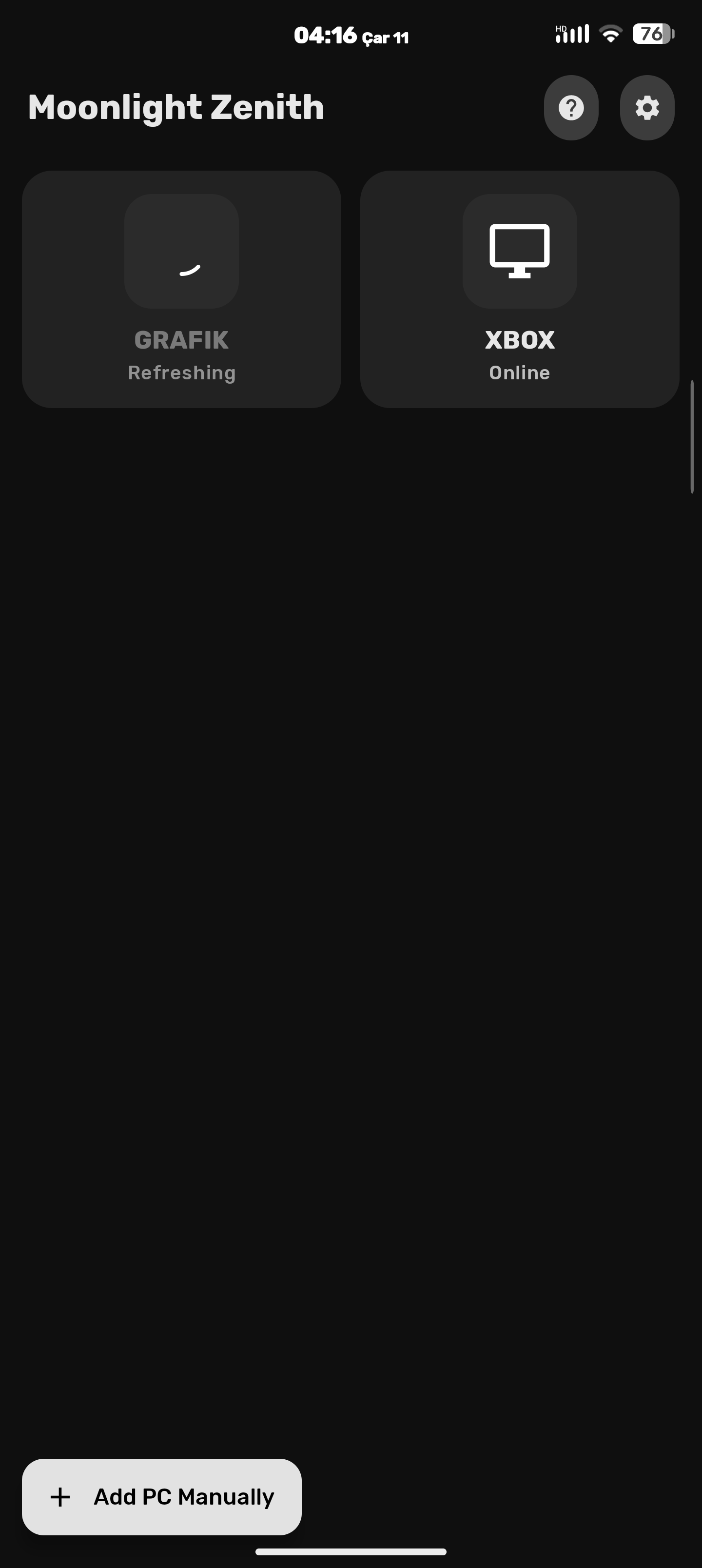
PCs
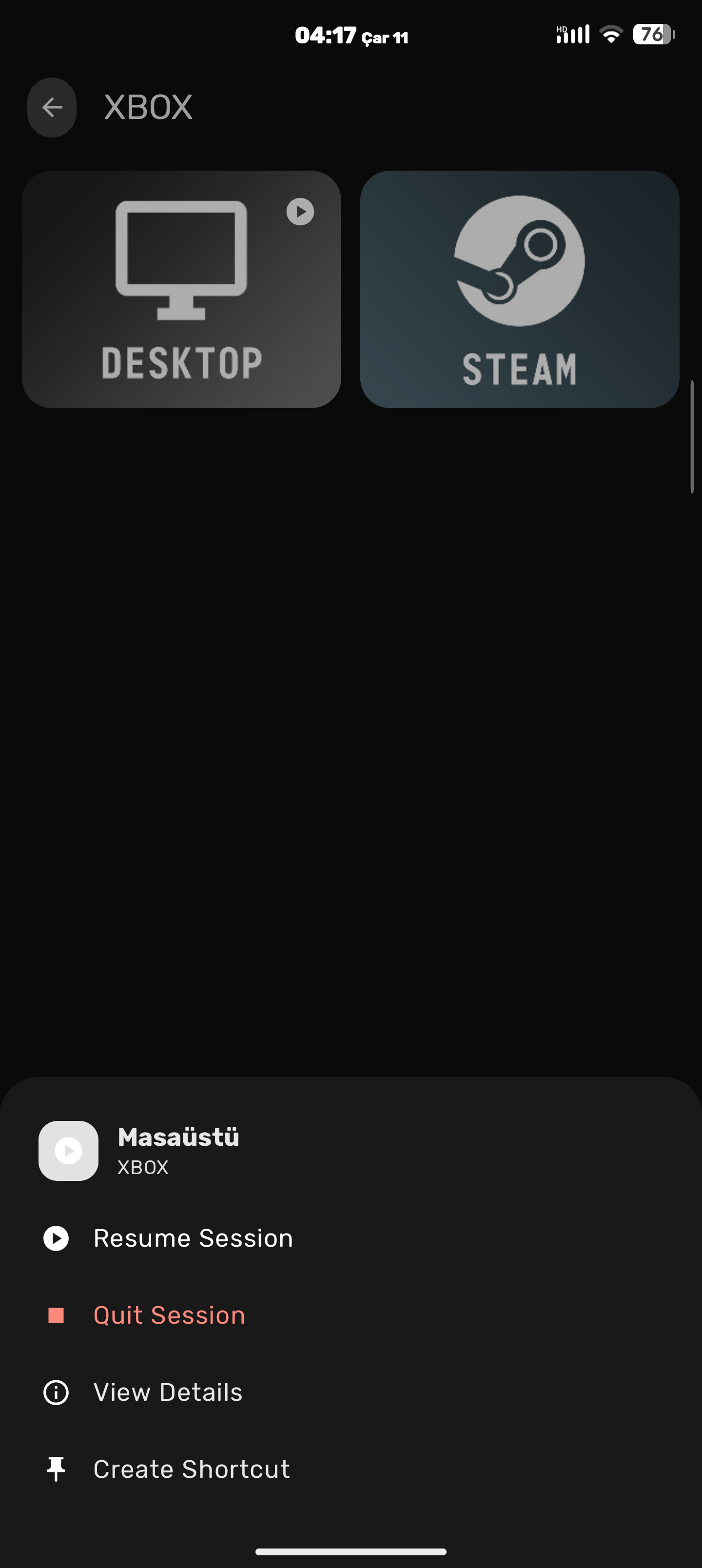
Apps & Context Sheet
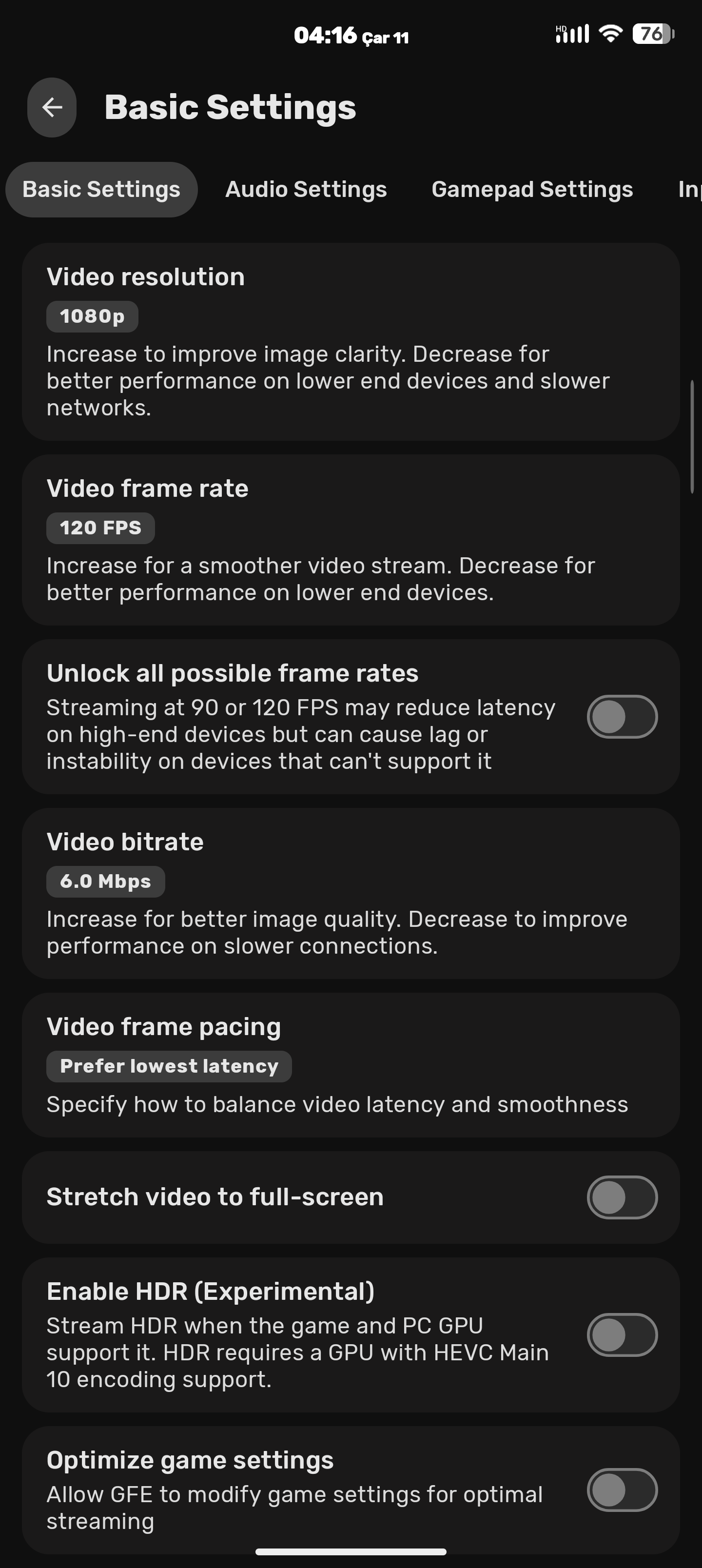
Settings
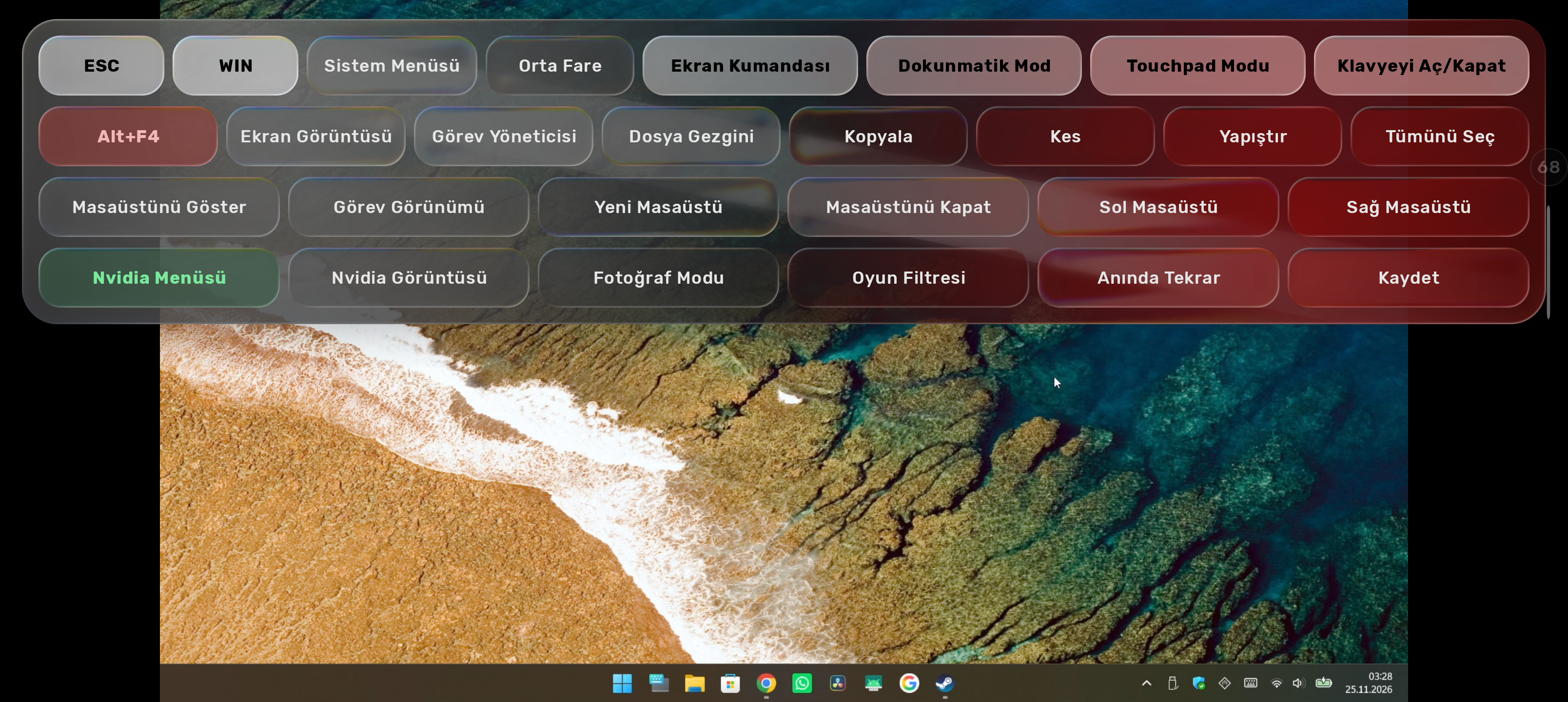
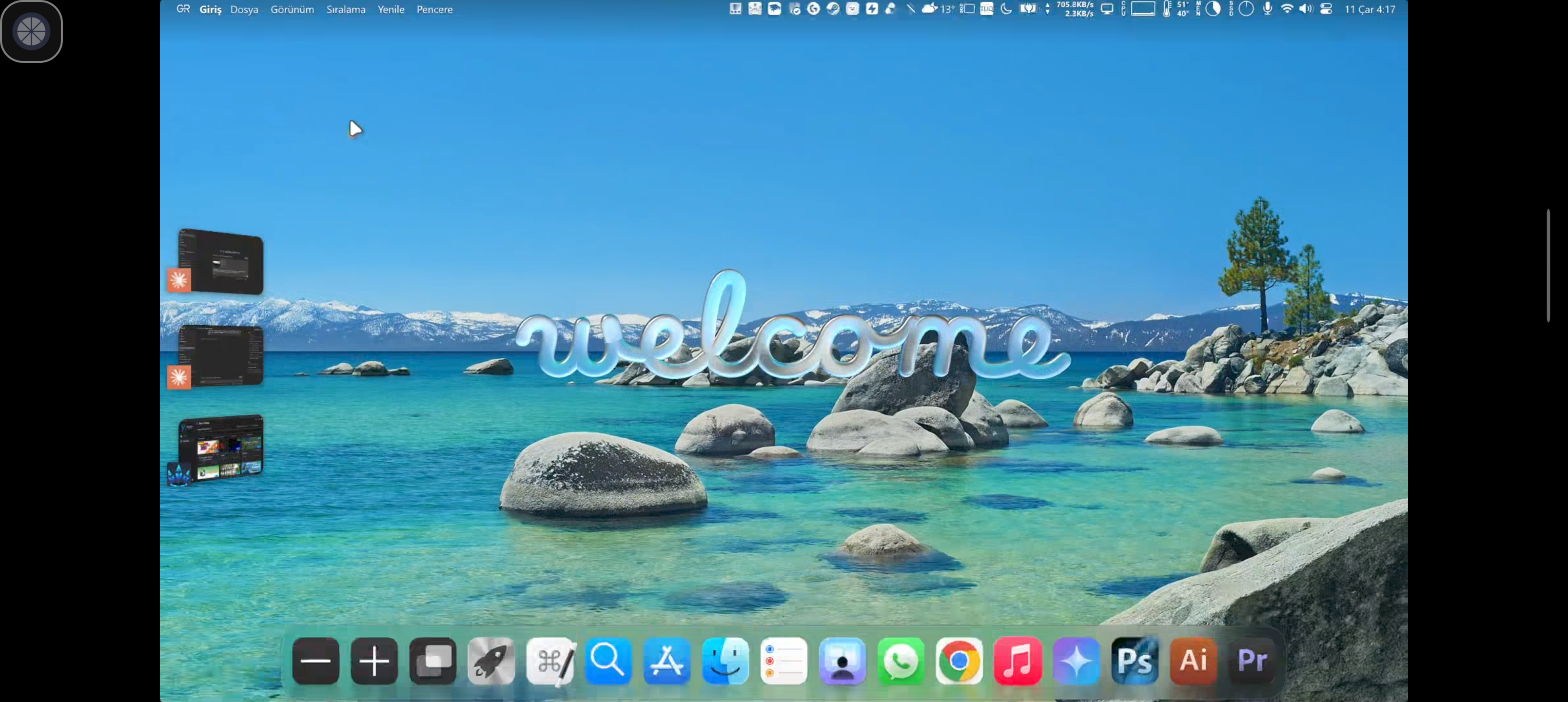
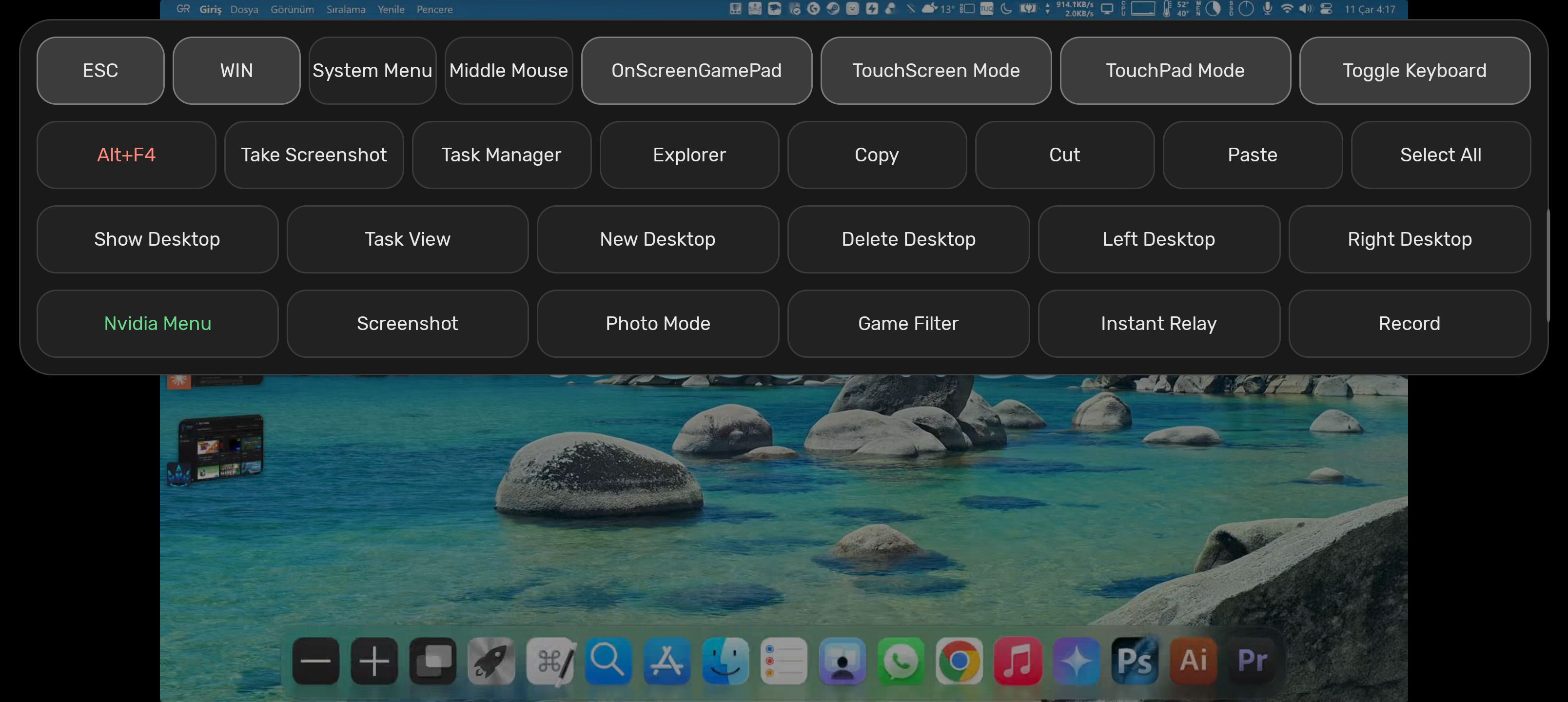
Desktop View + Attect Menu
🎨 Material You Expressive UI
PCs
Apps & Context Sheet
Settings
Desktop View
Attect Menu
✨ Features
🫧 Liquid Glass UI
Real-Time Refractive Glass: Switch between Material You Expressive and Liquid Glass (powered by AndroidLiquidGlass) across all screens, menus, dialogs, switches, sliders, and the in-stream quick menu.
Presets, 8 Live Controls & Preview: Pick from Frosted, Clear, or Tinted presets, or fine-tune blur, refraction strength & height, chromatic aberration, 3D depth, surface opacity, edge highlight, and vibrancy with a live draggable preview.
Optimized Per-Frame GPU Performance: Eliminates stacked double-blur passes across top bars, dialogs, idle switches, and cards; pre-computes custom background blur once into a static cached image for zero per-frame background blur overhead.
Zero Gameplay Overhead: The in-stream floating button uses a lightweight static glass look while streaming, and opening the Liquid Glass quick menu keeps the game stream behind it completely sharp and unblurred.
🎨 Material You Expressive UI
Material You Expressive and Zenith Indigo themes with an independent Pure Black (AMOLED) toggle that works with either theme.
Soft Indigo App Icon and clean symmetric PC & App grids with automatic cover art centering.
🖼️ Custom Background & Phone Wallpaper
Use the Theme Default, pick a Custom Image (local gallery or Google Photos), or show your Phone Wallpaper directly behind the interface.
Customize color tint (9 options), tint intensity, and static pre-blurred background blur in both Material You and Liquid Glass modes.
Switch live between classic Tabbed navigation and a Floating Bottom Bar with smooth press-and-drag tab scrubbing.
🔊 Flexible Audio Output
Independently toggle This device (Client) and PC (Host) audio to route sound to Client only, Host only, Both simultaneously, or None (Muted)—without claiming system audio focus when Client audio is off.
🎮 In-Stream Quick Menu, Rotation & Touch
28-Action Floating Menu (Attect): One-tap access to ESC, WIN, Alt+F4, Task Manager, Copy/Cut/Paste, Virtual Desktops, Nvidia Overlay, On-Screen Gamepad toggle, Touch/TouchPad switching, and keyboard toggle.
Sensor-Driven Landscape Rotation: Automatically flips between normal and reverse landscape while streaming, even when system auto-rotate is disabled.
Touch & On-Screen Controls: High-precision TouchPad cursor tracking, configurable long-press right-click (300ms–1000ms), dedicated L3/R3 buttons, and live mid-stream gamepad hotplugging.
⌨️ Multi-Language & Smart Keyboard
Host PC Keyboard Layouts: Auto, Turkish, German, French, Spanish, and Italian—with accurate regional letters, quotes, punctuation, and AltGr symbols without triggering unintended Windows Alt shortcuts.
Smart Keyboard Mode: Opt-in support for Gboard glide typing, suggestions, autocorrect, and spacebar cursor swiping while keeping low-latency raw key events as the default for gaming.
🌍 29 Languages
Localized across 29 languages including English, Turkish, German, French, Spanish, Italian, Chinese, Japanese, Korean, Russian, Ukrainian, Polish, Portuguese, Dutch, and more.