



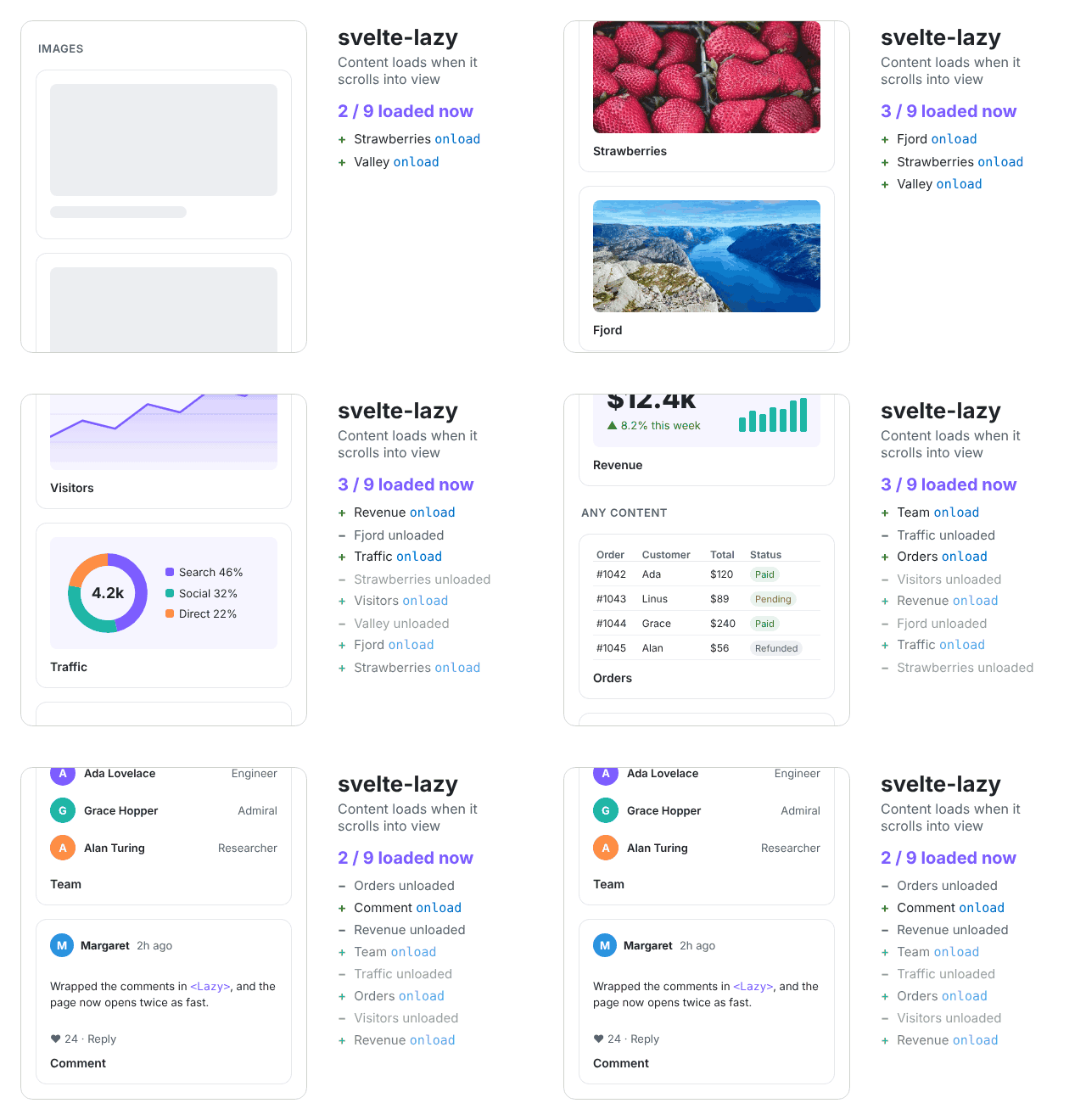
A Svelte component to lazy load any content: images, videos, components or anything else. It shows a placeholder until the content scrolls into view, and fades it in.
Native loading="lazy" covers images and iframes. svelte-lazy also defers rendering any markup or component, keeps the layout stable while images load, and works in scroll containers.
Note
This is the README of 2.0, in prerelease: npm i svelte-lazy@next. It needs Svelte 5. For Svelte 3 or 4, use 1.x: npm i svelte-lazy@1, and see its README. To upgrade, see Migrating from 1.x.
Live examples (source) · Try it in the Svelte Playground
npm i svelte-lazyIt needs Svelte 5, and comes with TypeScript types. For Svelte 3 or 4, use 1.x: npm i svelte-lazy@1.
<script>
  import Lazy from 'svelte-lazy';
</script>

<Lazy height={300} placeholder="Loading...">
  <img alt="" src="https://picsum.photos/id/412/400/300" />
</Lazy>
Important
Set height to about the height of the content. Before loading, the container has this height. With the default 0, all containers are empty and in view at once, so everything loads right away, and the page jumps when the content appears.
By default, content is unloaded when it leaves the viewport and loaded again when it comes back. Set keep to load it only once.
Load only once, with a snippet as the placeholder:
<script>
  import Lazy from 'svelte-lazy';
  import Spinner from './Spinner.svelte';
</script>

<Lazy height={400} keep>
  {#snippet placeholder()}
    <Spinner size="large" />
  {/snippet}
  <HeavyChart />
</Lazy>
Start loading earlier, 500px before the content scrolls into view, and know when it loads:
<Lazy height={300} offset={500} onload={(node) => console.log('loaded', node)}>
  <video controls src="movie.mp4"></video>
</Lazy>
Link to content that isn't loaded yet. The container has the id before loading, so #comments scrolls to it and loads it:
<a href="#comments">Comments</a>

<Lazy id="comments" height={600}>
  <Comments />
</Lazy>
Other attributes, like style, data-* and aria-*, go to the container:
<Lazy height={300} data-id={photo.id} aria-label={photo.name}>...</Lazy>Style the container, the placeholder and the content by their classes:
<Lazy class="card" height={200}>...</Lazy>

<style>
  :global(.card .svelte-lazy-content) {
    border-radius: 8px;
  }
</style>| Prop | Type | Default | Description |
|---|---|---|---|
height |
number | string |
0 |
Height of the container before loading, in px or any CSS length like '50vh' |
keep |
boolean |
false |
Keep the content after it leaves the viewport, instead of unloading it |
offset |
number |
150 |
Load when the top of the container is within this many px below the bottom of the viewport or the scroll container |
placeholder |
string | Snippet |
null |
Shown before loading, and while images in the content are loading |
id |
string |
undefined |
id of the container |
class |
string |
'' |
Class added to the container, after svelte-lazy |
fadeOption |
object | null |
{ delay: 0, duration: 400 } |
Options of the fade transition. null to disable it |
onload |
(node) => void |
null |
Called with the container element when the content is loaded |
resetHeightDelay |
number |
0 |
Delay in ms before the container height becomes auto after loading |
- The content loads when the container comes within
offsetof the bottom of the viewport, or of its scroll container, by scrolling or by a layout change. Unlesskeepis set, it unloads after leaving, and the container gets itsheightback. It's checked byIntersectionObserver, so nothing runs on scroll. - If the content has an image, the placeholder stays until the image loads, then the container height becomes
auto. If the image fails, the content shows with the fixedheight. Only the first image of the content is waited for: useresetHeightDelayto wait longer for others. - With server-side rendering, the server renders the placeholder; the content loads in the browser.
- Only vertical scrolling is checked: in a horizontal scroll container, content loads by its vertical position.
The DOM before loading:
<div id="{id}" class="svelte-lazy {class}">
  <div class="svelte-lazy-placeholder">...</div>
</div>
and after:
<div id="{id}" class="svelte-lazy {class}">
  <div class="svelte-lazy-content">...</div>
</div>-
2.0 needs Svelte 5. With Svelte 3 or 4, stay on 1.x
-
A component placeholder becomes a snippet, and
placeholderPropsis gone:<!-- 1.x --> <Lazy placeholder={Spinner} placeholderProps={{ size: 'large' }}>...</Lazy> <!-- 2.0 --> <Lazy> {#snippet placeholder()} <Spinner size="large" /> {/snippet} ... </Lazy>
-
The package has no prebuilt
index.jsandindex.mjs. Bundlers that compile.sveltefiles from packages, like Vite and SvelteKit, work as before. Tools that don't, like Jest 27 or a script tag, need to, or stay on 1.x. For tests, see below -
With TypeScript, other props are checked as attributes of the container div.
placeholderProps, or a component asplaceholder, is an error: change them as above
See the changelog for the other changes.
Tests in jsdom need two mocks, which a browser has:
IntersectionObserver, as with 1.xElement.prototype.animate, for the fade, which Svelte 5 runs by Web Animations. Or setfadeOption={null}
// setup.js
Element.prototype.animate ??= function () {
  const animation = { onfinish: null, cancel() {}, finish() {}, play() {}, pause() {} };
  setTimeout(() => animation.onfinish?.());
  return animation;
};
Vitest
Vitest compiles .svelte files from packages by @sveltejs/vite-plugin-svelte. In jsdom, use Svelte's browser code:
// vitest.config.js
import { defineConfig } from 'vitest/config';
import { svelte } from '@sveltejs/vite-plugin-svelte';

export default defineConfig({
  plugins: [svelte()],
  resolve: { conditions: ['browser'] },
  test: { environment: 'jsdom', setupFiles: ['./setup.js'] },
});
Vitest browser mode needs no mocks.
Jest
With Jest 29 and svelte-jester 5 in ESM mode, compile .svelte files from svelte-lazy, and from @testing-library/svelte-core if you use Testing Library:
// jest.config.js
export default {
  testEnvironment: 'jsdom',
  // svelte-lazy exports .svelte files by the svelte condition
  testEnvironmentOptions: { customExportConditions: ['svelte', 'browser'] },
  transform: { '^.+\\.svelte(\\.js)?$': 'svelte-jester' },
  transformIgnorePatterns: ['/node_modules/(?!(svelte-lazy|@testing-library/svelte-core)/)'],
  extensionsToTreatAsEsm: ['.svelte'],
  moduleFileExtensions: ['js', 'svelte'],
  setupFiles: ['./setup.js'],
};
and run it by NODE_OPTIONS=--experimental-vm-modules jest.
See CHANGELOG.md.
See CONTRIBUTING.md for development, tests and releases.