





-
🔒 No Root Required
-
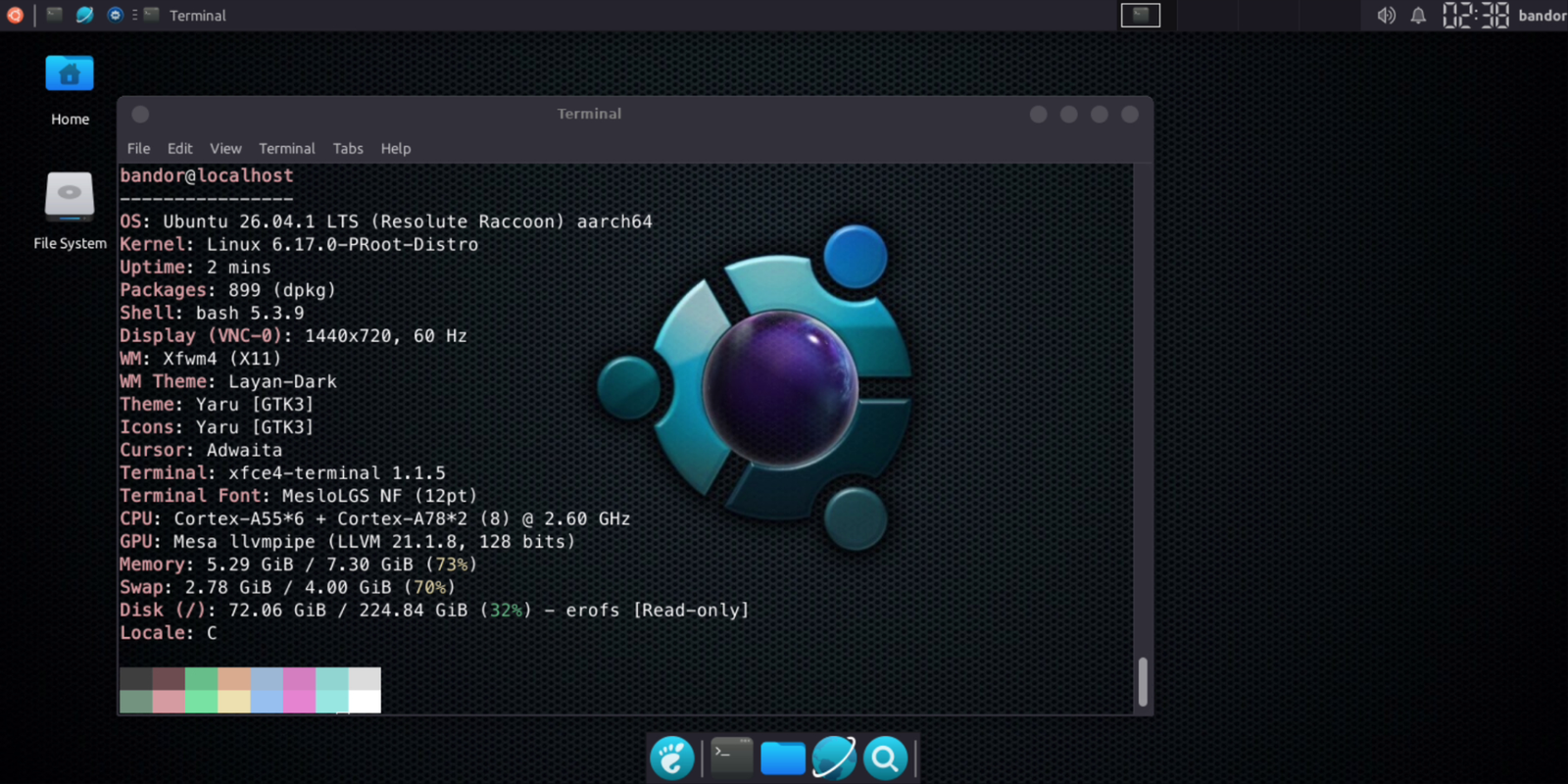
🚀 Latest Ubuntu 26.04
-
⚡ Fully Automatic Setup
-
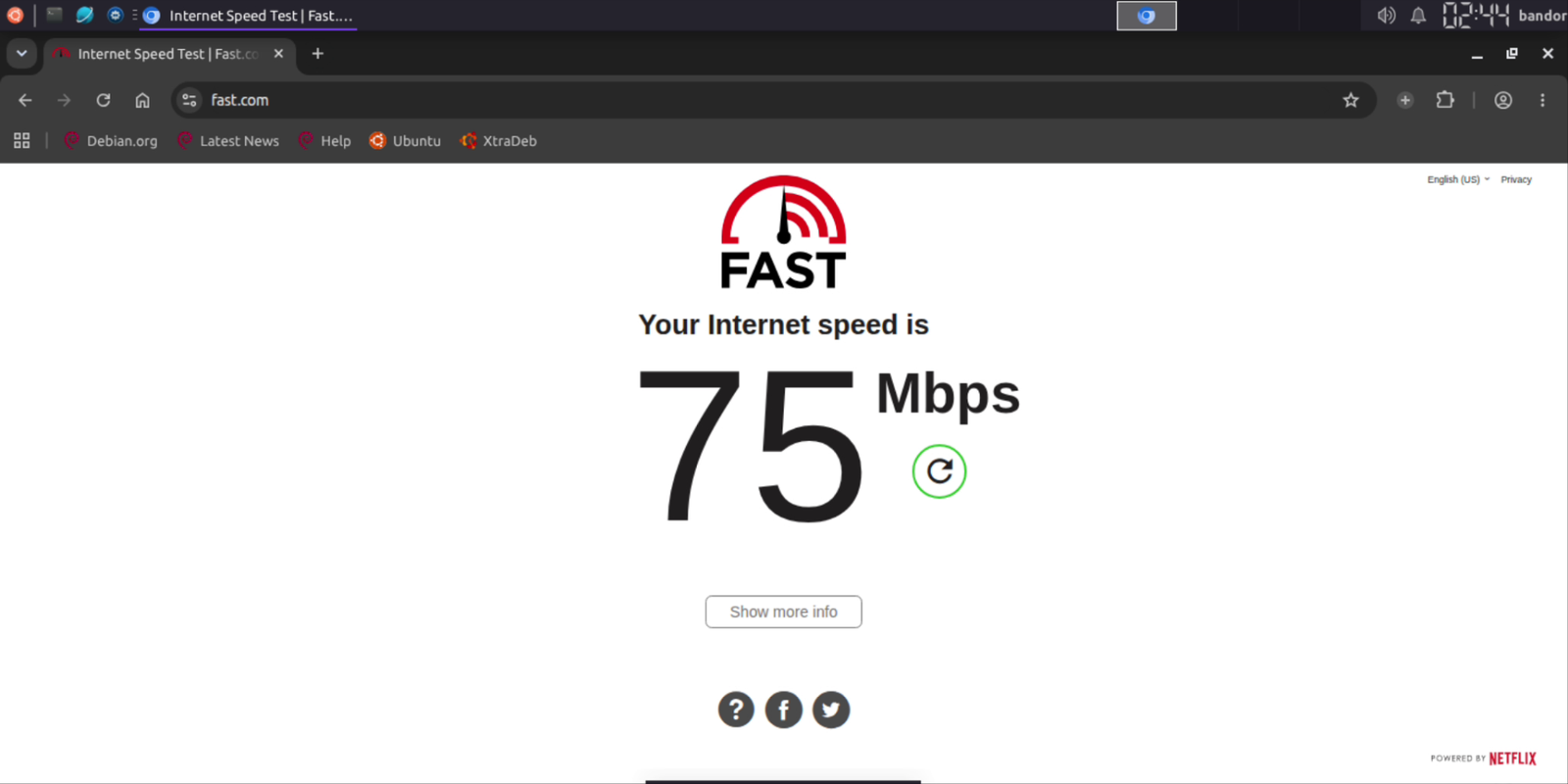
🌐 Pre-patched Web Browsers
-
🔊 Fixed Audio Output
-
🎨 Beautiful Desktop Look
-
🖱️ Lightweight & Modular
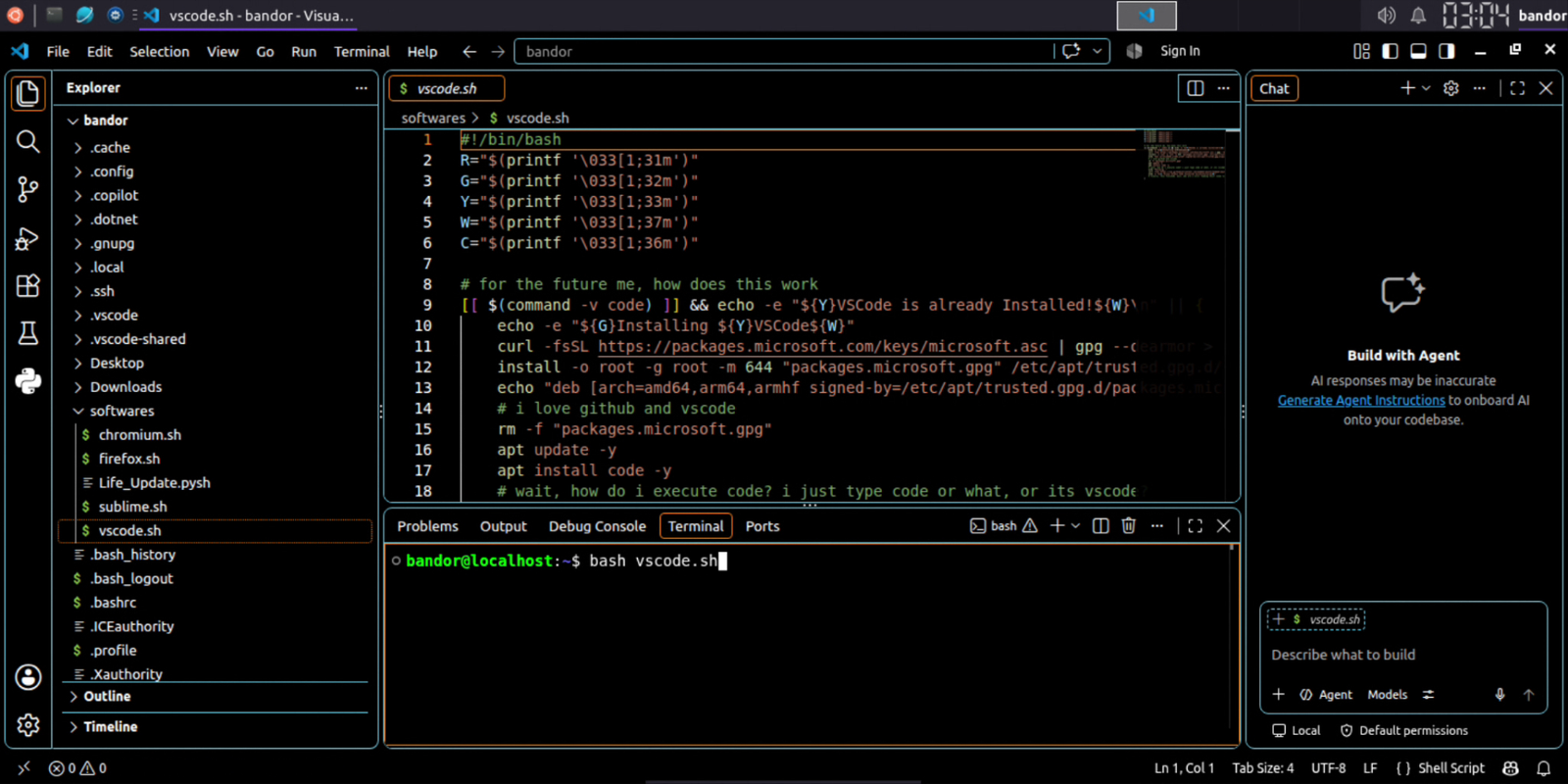
Web Browsers IDE 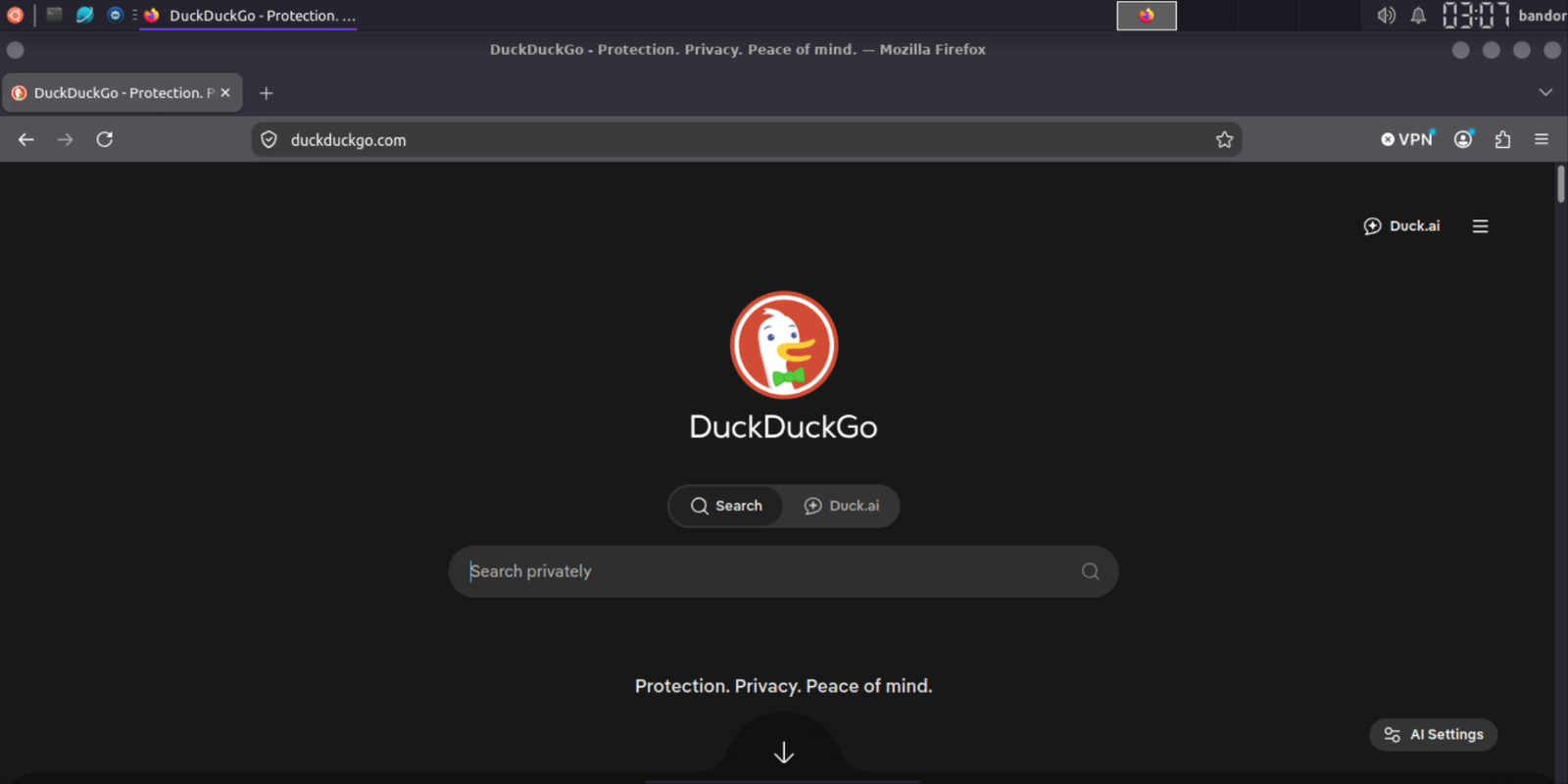
| Requirement | Recommended Specification |
|---|---|
| Operating System | Android 7.0 (Nougat) or higher |
| Terminal App | Termux (v0.118+ from F-Droid or GitHub) • F-Droid • Github |
| Available Storage | At least 4 GB - 8 GB free space |
| Architecture | aarch64 / arm64 (recommended), armhf, x86_64 |
| VNC Client | RealVNC Viewer or AVNC |
Important
Always install Termux from F-Droid or GitHub Releases.
Open Termux and execute the following commands:
yes | pkg up

pkg install git wget -y

# Clone repository
git clone --depth=1 https://github.com/modded-ubuntu/modded-ubuntu.git
cd modded-ubuntu
bash setup.sh
Note
During setup, you will be prompted to enter a username for your Ubuntu environment (must be lowercase, no spaces).
After the base environment finishes installing, restart Termux and run:
ubuntu
sudo bash gui.sh
Note
Follow the on-screen prompts to select your desired desktop components and set your VNC password.
Inside Ubuntu start the VNC server:
vncstartTo shut down the server:
vncstop- Tap the
+(Add) button. - Configure the connection:
- Address:
localhost:1 - Name:
Modded Ubuntu(or anything you prefer)
- Address:
- Set Picture Quality to High.
- Tap Connect, enter the password and enjoy your Linux desktop!
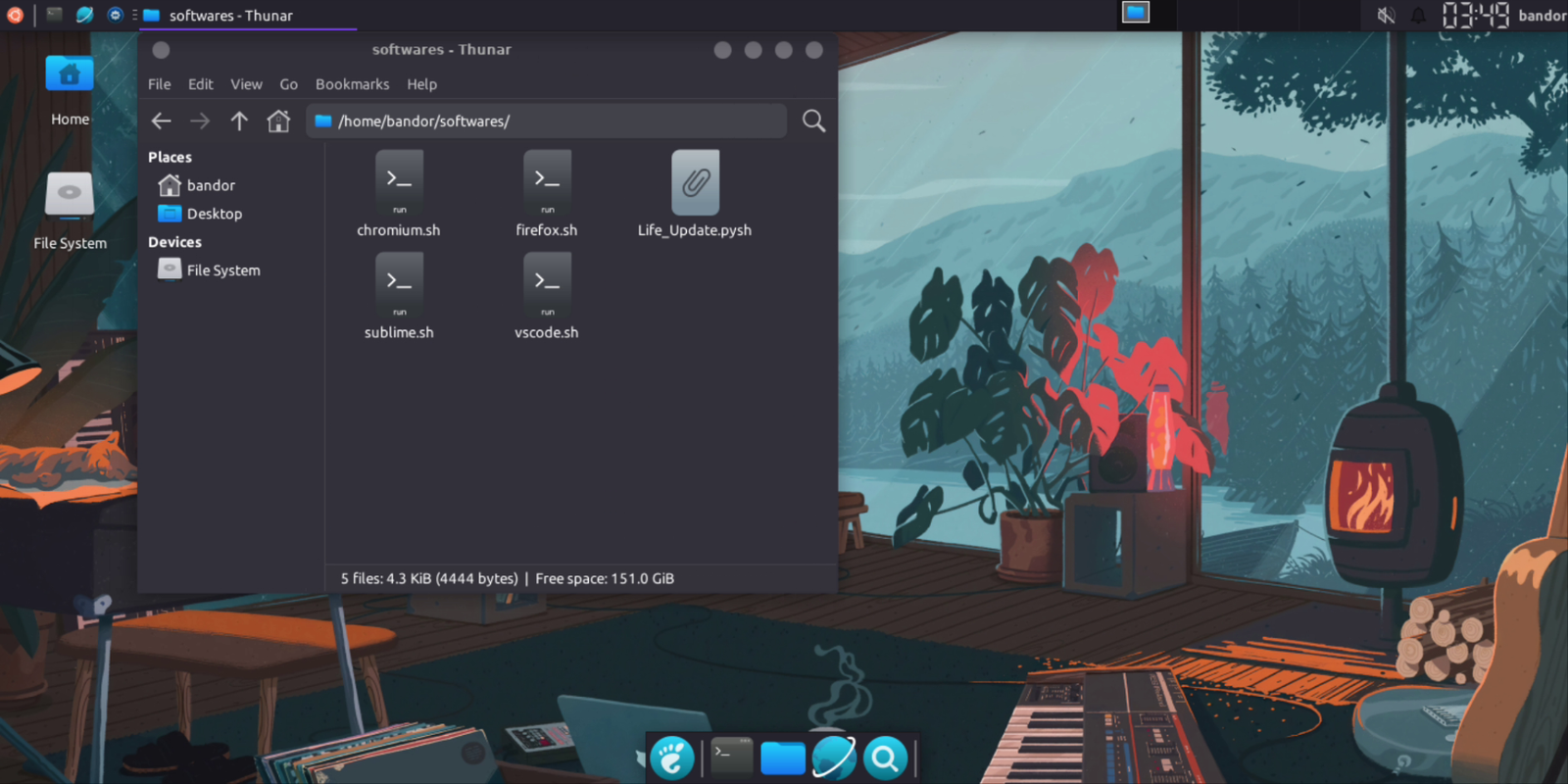
Need a step-by-step demonstration? Watch the video below:
A huge shoutout to everyone who has contributed to improving this project!
This project utilizes the official Ubuntu rootfs distribution powered by Termux PRoot-Distro

All credit for base container distribution goes to the PRoot-Distro maintainers.

Termux Proot Distro - https://github.com/termux/proot-distro